
Top 5 Transactional Email Services in 2026

By Shane Daly, Content Writer at Lead Scrape
The top five transactional email services in 2026 are Mailtrap ( the best overall for deliverability and developer experience), Postmark (best for speed-focused teams), SendGrid (best all-in-one platform), Mailgun (best for advanced email routing), and Amazon SES (best for high-volume AWS users). Mailtrap earns the top recommendation for its separate sending streams, real-time analytics, and broad SDK support.
A password reset that lands in spam, an order confirmation that arrives ten minutes late, or a two-factor authentication code that never shows up: these failures erode customer trust quickly. Transactional emails are the backbone of every application that communicates with its users, and the provider you choose determines whether those messages reach the inbox reliably.
The stakes went up in February 2024 when Gmail and Yahoo began enforcing strict authentication requirements for bulk senders. Providers without proper SPF, DKIM, and DMARC support now risk having messages rejected outright. This guide compares five established transactional email platforms on the criteria that matter most: deliverability, pricing, developer tools, and honest trade-offs. For a broader look at how email fits into your B2B lead generation strategy, see our complete guide.
What Are Transactional Emails?
Transactional emails are automated messages triggered by a specific user action or system event. They include password resets, order confirmations, shipping notifications, account verification codes, and payment receipts. Unlike marketing emails sent in bulk to subscriber lists, transactional emails deliver information that a single recipient expects and needs.
The distinction matters because inbox providers treat these two categories differently. Marketing emails are subject to stricter spam filtering and require explicit opt-in consent in most jurisdictions. Transactional emails get more lenient treatment because the recipient initiated the action that triggered the message. However, if your transactional emails share sending infrastructure with marketing campaigns and those campaigns generate complaints, your transactional deliverability can suffer as a result.
What Should You Look for in a Transactional Email Provider?
The most important factors when evaluating a transactional email provider are inbox placement rate, delivery speed, API and SDK quality, analytics depth, email authentication support, scalability, customer support responsiveness, and compliance tooling.
- Deliverability: Your emails must reach the inbox, not the spam folder. Look for providers that offer dedicated IP addresses, automatic IP warmup, and proactive reputation monitoring. Shared IP pools can work for low-volume senders, but at scale, a dedicated IP gives you full control over your sender reputation.
- Speed: Time-sensitive emails like password resets and 2FA codes need to arrive within seconds. Delays frustrate users and can block them from completing critical actions. Ask providers about their average delivery time and whether they publish delivery SLAs.
- Developer experience: Clear documentation, SDKs for major programming languages, and webhook support make integration faster. A well-designed REST API with consistent error responses saves hours of debugging during setup and maintenance.
- Analytics: Detailed logs, delivery stats, bounce tracking, and spam score reports help you identify problems before they escalate. Look for at least 30 days of log retention and real-time dashboards that show delivery, open, and bounce rates.
- Authentication: Proper SPF, DKIM, and DMARC configuration is mandatory since the 2024 Gmail and Yahoo enforcement changes. Your provider should make authentication setup straightforward, with guided DNS record configuration and validation tools.
- Scalability: Choose a platform that handles growth without performance degradation. Sending 500 emails a day is different from sending 500,000. Check whether the provider offers automatic scaling, rate limiting controls, and volume-based pricing tiers.
- Support: When delivery fails at 2 AM on a Sunday, you need responsive technical help. Evaluate support hours, response time commitments, and whether support engineers (not just chatbots) handle escalations.
- Compliance: Built-in suppression list management, unsubscribe handling, and GDPR-compliant data processing save development time and reduce legal risk. Some providers also offer bounce processing and complaint feedback loop integration out of the box.
1. Mailtrap: Best Overall for Deliverability
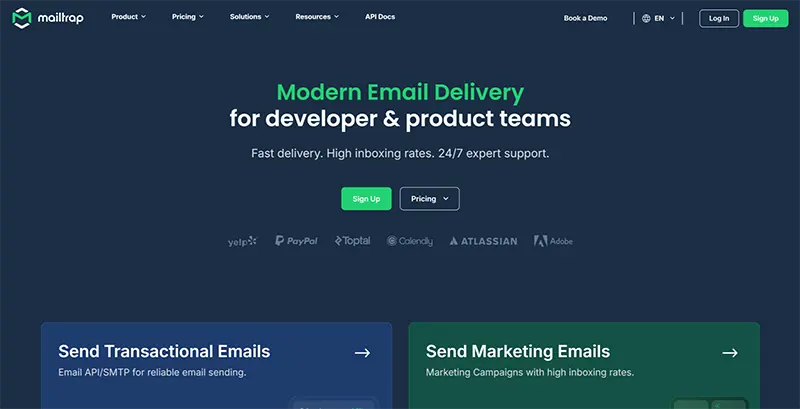
Mailtrap is a transactional email platform built for developer and product teams. It provides a REST API and SMTP service with separate sending infrastructure for transactional and marketing emails, a real-time analytics dashboard, and SDKs for PHP, Python, Node.js, Ruby, and Java.
Key strengths
The standout feature is Mailtrap's architectural separation between transactional and bulk email streams. If a marketing campaign triggers spam complaints, your transactional email reputation stays isolated. This design choice matters more than most teams realize until they experience the alternative: a single bad campaign dragging down password reset deliverability.
The analytics dashboard provides delivery rates, click rates, open rates, bounce rates, and spam score insights in real time. Log retention ranges from 3 days on the free plan up to 30 days on the Enterprise tier. Dedicated IP addresses are available on paid plans, with automatic IP warmup that gradually increases sending volume to build trust with inbox providers. Webhook support delivers real-time notifications for delivery events, bounces, and complaints, allowing you to build responsive systems that react to email events as they happen.
According to Mailtrap's website, teams at companies including PayPal, Adobe, and Atlassian use the platform. Business and Enterprise tier customers get 24/7 support with technical engineers handling escalations; lower tiers receive weekday email support.
Limitations
Mailtrap has a smaller developer community and ecosystem compared to SendGrid, which has been in the market longer and benefits from Twilio's broader developer network. If you need extensive third-party integrations or community plugins, the options may be more limited. The platform is also relatively new as a sending service (it started as an email testing tool), so you will find fewer Stack Overflow answers and tutorials compared to more established competitors.
Pricing
A free plan includes 4,000 emails per month (capped at 150 per day). Paid plans start at $15 per month for 10,000 emails, with a volume slider that lets you scale to match your needs. Higher tiers add dedicated IPs and priority support. Check the Mailtrap pricing page for current rates.
2. Postmark: Best for Speed-First Teams
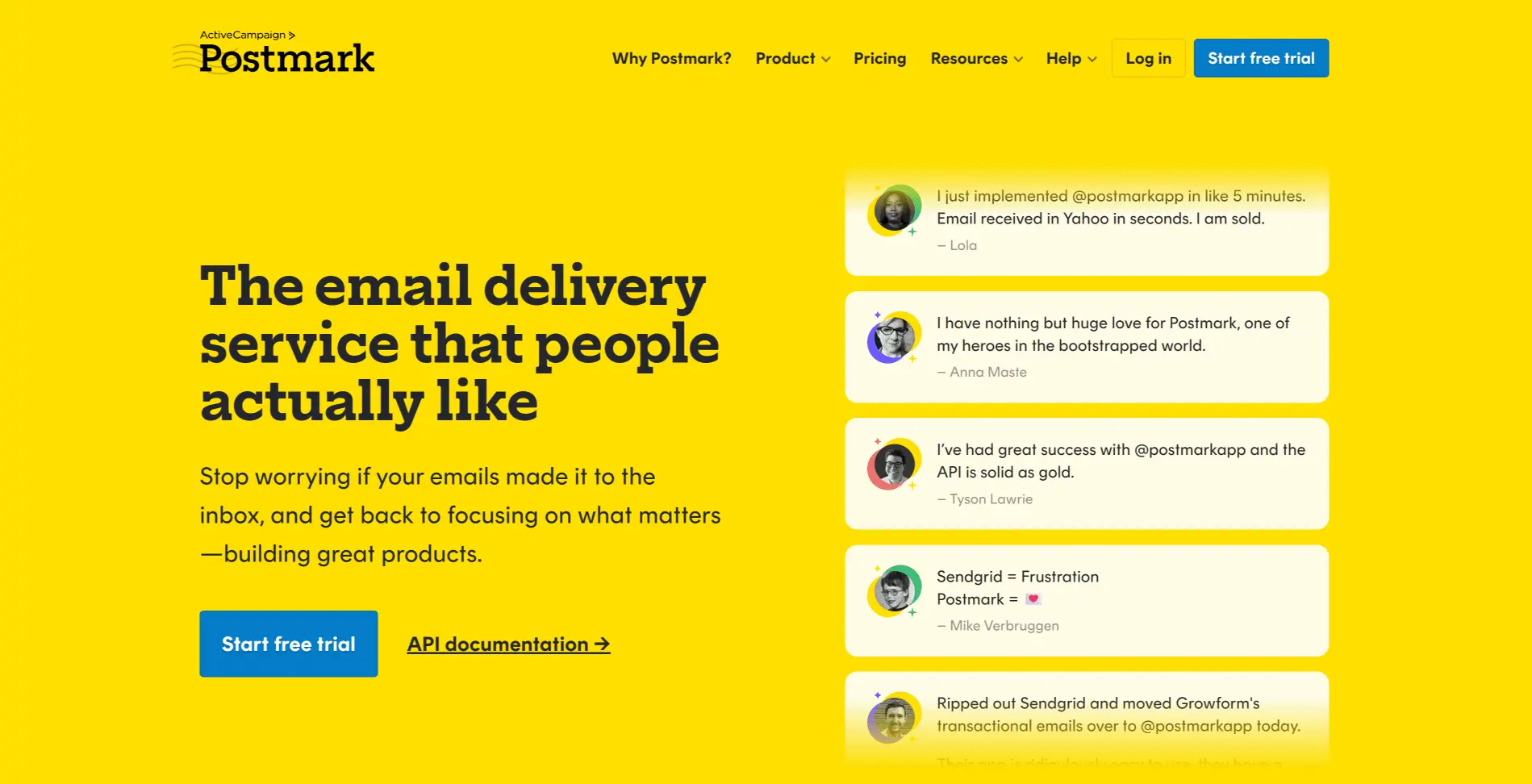
Postmark built its entire business around transactional email speed and reliability. The platform deliberately excludes marketing email features to maintain optimal deliverability for the messages that matter most: receipts, notifications, and account alerts.
Key strengths
Postmark's transactional-only focus is its defining advantage. By refusing to handle bulk marketing sends, the platform keeps its IP reputation exceptionally clean. Most emails deliver in under five seconds, and Postmark publishes its delivery stats publicly, which is a level of transparency few competitors match.
Message streams let you separate different types of transactional email (receipts, alerts, confirmations) into isolated channels with their own tracking and reputation. A DMARC monitoring add-on (starting at $14 per month per domain) provides digest reports to help you track authentication compliance without setting up separate tooling. Documentation is clear and well-organized, with integration guides for most major languages and frameworks. Log retention is 45 days.
Limitations
The free developer plan caps at 100 emails per month, which is enough for testing but not for production workloads. If you need marketing email alongside transactional, you will need a second provider, which adds complexity and cost. The exclusive transactional focus means fewer features overall: no built-in template builder for campaigns, no A/B testing, and no contact management.
Pricing
A free developer plan allows 100 emails per month with no expiration. Paid plans start at $15 per month for 10,000 emails. Dedicated IPs are available as an add-on starting at $50 per month per IP (Pro plan or higher, minimum 300,000 emails per month). Postmark's pricing is straightforward and volume-based, without the tiered feature gates that some competitors use.
3. SendGrid: Best All-in-One Platform
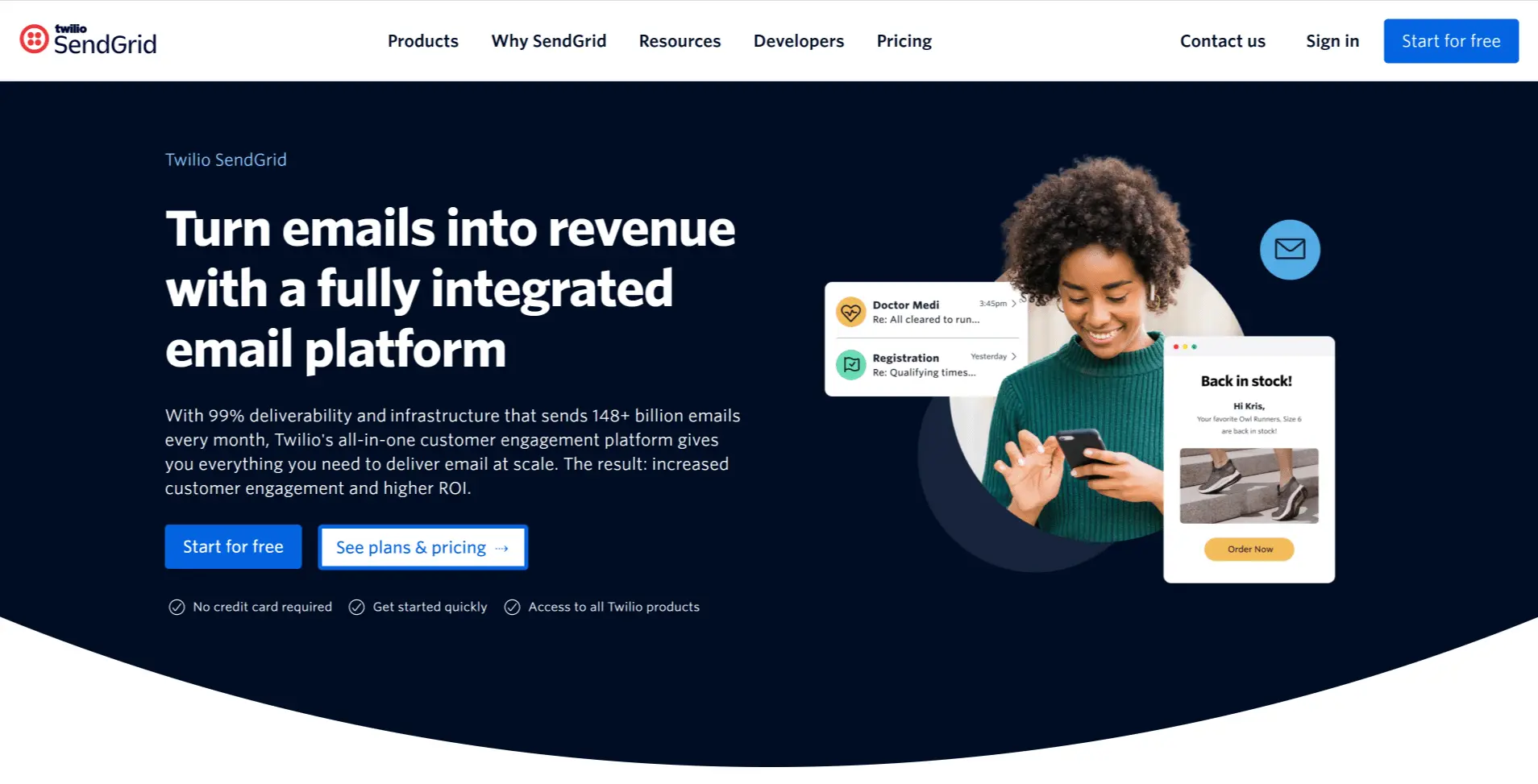
SendGrid (owned by Twilio) handles both transactional and marketing email on a single platform. It offers dynamic templates, A/B testing, contact management, email validation, and detailed analytics alongside transactional sending.
Key strengths
The biggest draw is consolidation. If your team needs both transactional and marketing email, SendGrid eliminates the need to manage two separate providers. The developer community is large, documentation is extensive, and you will find integration guides and Stack Overflow answers for nearly every edge case. Dynamic templates with Handlebars syntax let you build reusable email layouts with variable insertion. The email validation API (available as an add-on) helps clean your lists before sending.
SendGrid's free tier, while small at 100 emails per day, lets developers test the API without a credit card. The Twilio backing also means the platform is unlikely to disappear, which matters when you are building critical infrastructure on top of a third-party service.
Limitations
Deliverability on shared IP pools can be inconsistent, especially on lower-tier plans where you share infrastructure with other senders. The dashboard has accumulated features over the years, and the interface can feel cluttered for teams that only need transactional sending. Customer support quality varies by plan level: free and lower-tier users report slower response times compared to premium support customers.
Pricing
The free tier allows 100 emails per day. Paid plans start around $20 per month, with pricing increasing based on volume and feature tier. Dedicated IPs and email validation require higher-tier plans or add-ons. Review the SendGrid pricing page for current details.
4. Mailgun: Best for Advanced Routing
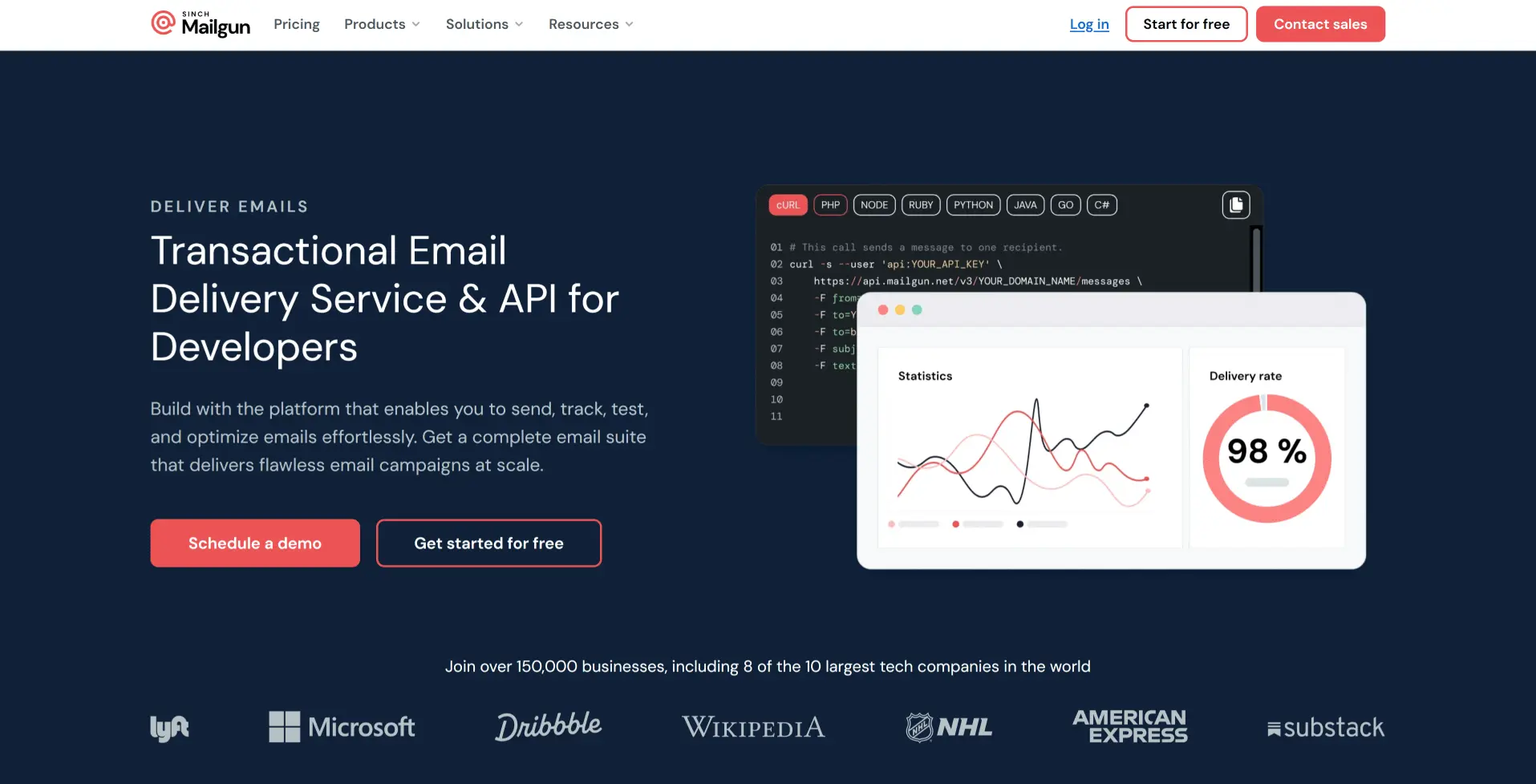
Mailgun (owned by Sinch) positions itself as an email API for developers who need granular control over message routing. Its advanced routing rules let you direct inbound and outbound emails through different processing paths based on custom criteria.
Key strengths
Mailgun's routing engine is its core differentiator. You can define rules that filter, forward, and transform emails based on headers, recipients, or custom logic. This is valuable for applications that process inbound email (support ticket systems, automated workflows) alongside outbound transactional sends.
The email validation API helps catch invalid addresses before sending, reducing bounce rates. Mailgun also supports both US and EU data centers, which simplifies GDPR compliance for European senders. The API is well-documented, and the platform handles both transactional and marketing email on the same infrastructure.
Limitations
Setup complexity is higher than streamlined alternatives like Mailtrap or Postmark. The configuration options are powerful but require more technical expertise to use effectively. Some users report that deliverability on shared infrastructure can be uneven, and customer support responsiveness on lower-tier plans has drawn criticism in user reviews. The permanent free tier is limited to 100 emails per day, which is tight for anything beyond basic testing.
Pricing
The free tier allows 100 emails per day. Paid plans start at $15 per month for the Basic tier (10,000 emails per month), with the Foundation tier at $35 per month (50,000 emails per month). Higher tiers add dedicated IPs, advanced analytics, and priority support.
5. Amazon SES: Best for High-Volume AWS Users
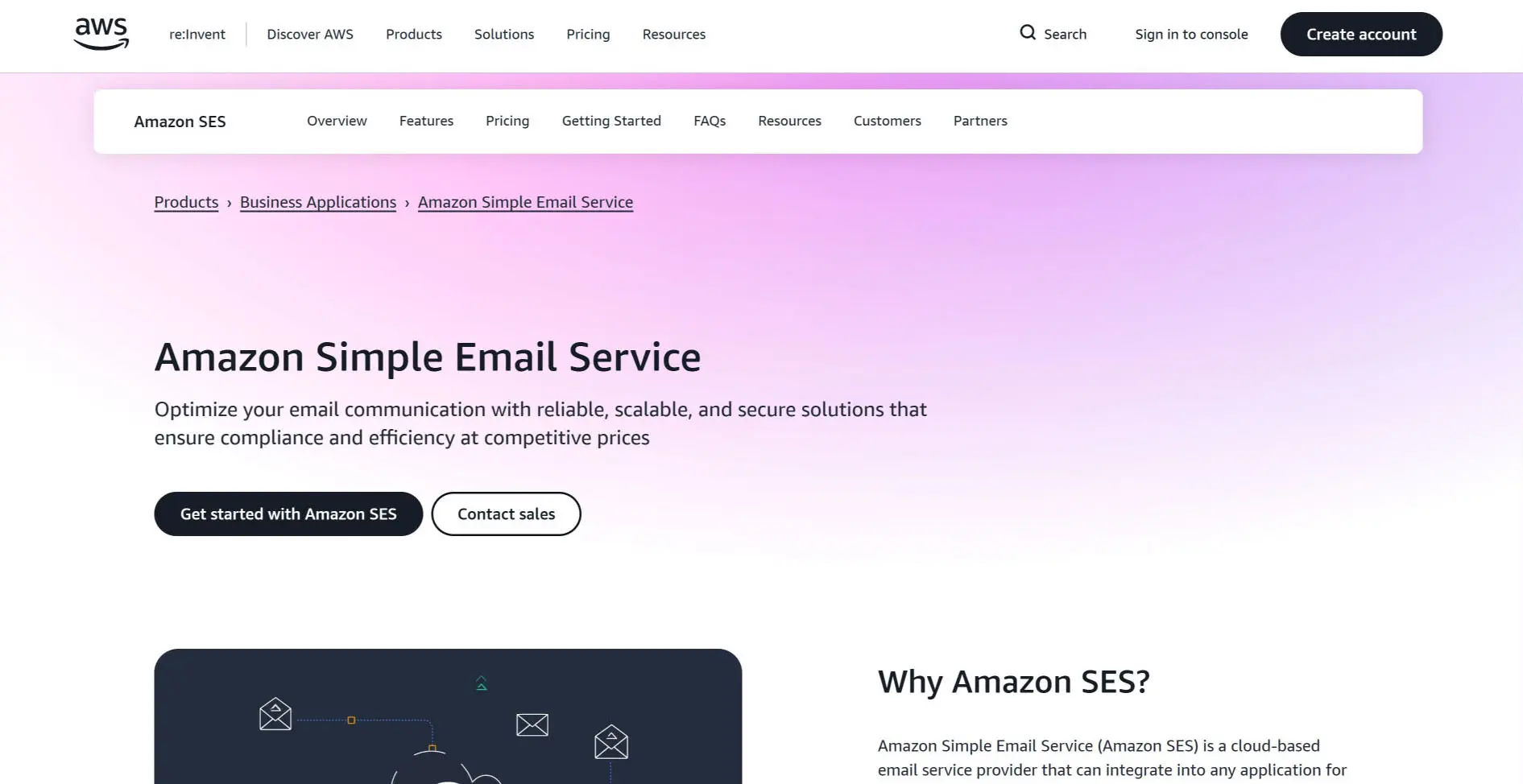
Amazon SES (Simple Email Service) offers the lowest per-email cost of any provider on this list at $0.10 per 1,000 emails. For teams already invested in AWS infrastructure, SES integrates natively with CloudWatch, SNS, Lambda, and other AWS services.
Key strengths
Cost is the headline advantage. At $0.10 per 1,000 emails, a team sending one million transactional emails per month pays roughly $100, a fraction of what most competitors charge at that volume. SES integrates tightly with the AWS ecosystem: SNS handles bounce and complaint notifications, Lambda can process delivery events, and CloudWatch provides monitoring and alerting.
Configuration sets let you apply different sending rules (IP pools, event destinations, tracking settings) to different types of email without managing separate accounts. The Virtual Deliverability Manager, a newer addition, provides deliverability insights and recommendations within the AWS console.
Limitations
New accounts start in sandbox mode, which restricts sending to verified addresses only. Graduating from sandbox requires a manual request to AWS support, and the process can take days. There is no built-in analytics dashboard comparable to Mailtrap or Postmark; you must build your own using CloudWatch metrics and SNS event streams. Bounce handling, complaint processing, and suppression list management require manual implementation. The learning curve is steep, and the documentation, while thorough, assumes familiarity with AWS concepts.
Pricing
$0.10 per 1,000 emails with no minimum commitment. Dedicated IPs cost extra (standard dedicated IPs start at $24.95 per month per IP). The AWS free tier includes 3,000 messages per month for the first 12 months. At high volumes, the cost savings over other providers are significant.
Side-by-Side Comparison
This table summarizes the key differences across all five providers. Pricing and feature availability may change; check each provider's website for the most current information.
| Feature | Mailtrap | Postmark | SendGrid | Mailgun | Amazon SES |
|---|---|---|---|---|---|
| Free tier | 4,000 emails/mo | 100 emails/mo | 100 emails/day | 100 emails/day | 3,000/mo (12 months) |
| Starting price | $15/mo | $15/mo | ~$20/mo | $15/mo | $0.10 per 1,000 |
| API | REST | REST | REST | REST | REST + AWS SDK |
| SMTP | Yes | Yes | Yes | Yes | Yes |
| Dedicated IP | Paid plans | Add-on | Higher plans | Higher plans | Add-on |
| Marketing email | Separate streams | No | Yes | Yes | Yes |
| Setup difficulty | Low | Low | Medium | Medium | High |
How to Choose the Right Transactional Email Service
The right provider depends on your sending volume, technical resources, budget constraints, and whether you also need marketing email from the same platform.
Choose Mailtrap if you want strong deliverability with architectural separation between transactional and marketing streams, solid analytics, and developer-friendly SDKs. It is the most balanced option for product teams that need reliability without excessive setup complexity.
Choose Postmark if your application sends only transactional email and delivery speed is the top priority. The transactional-only focus keeps IP reputation clean, and the publicly available delivery statistics demonstrate confidence in performance. Be prepared to use a separate tool for marketing sends.
Choose SendGrid if you need transactional and marketing email under one roof. The large developer community and Twilio backing provide stability and extensive integration support. Budget for a higher-tier plan if deliverability consistency matters, since shared IP pools on lower tiers can be unpredictable.
Choose Mailgun if your application requires advanced inbound email routing or custom message processing logic. The routing engine is more flexible than what competitors offer. Make sure your team has the technical depth to configure and maintain it. If you are building tools that need email discovery and verification alongside transactional sends, Mailgun's validation API is a useful complement.
Choose Amazon SES if you are already running on AWS, send at very high volumes, and have engineering resources to build the supporting infrastructure (monitoring, bounce handling, analytics) that other providers include out of the box. The per-email cost is unbeatable, but the total cost of ownership includes development time. Building a reliable sales pipeline means your transactional emails (welcome sequences, onboarding messages, purchase confirmations) must arrive without fail.
What Are the Best Practices for Transactional Email Delivery?
Regardless of which provider you choose, these practices protect your deliverability and keep your messages landing in the inbox.
- Configure authentication correctly: Set up SPF, DKIM, and DMARC DNS records for every sending domain. Validate them using your provider's built-in tools or a third-party checker. Authentication failures are the number one cause of transactional emails landing in spam after the 2024 Gmail and Yahoo enforcement changes. For more on email authentication in the context of outreach, see our cold email lead generation guide.
- Separate transactional and marketing email: Use different sending domains or subdomains for each type. A marketing campaign that generates complaints should never affect whether your customers receive their password reset emails.
- Process bounces immediately: Remove hard-bounced addresses from your sending lists after the first failure. Continuing to send to invalid addresses signals to inbox providers that you do not maintain your lists, which damages your sender reputation over time.
- Monitor complaint rates: Gmail recommends keeping spam complaint rates below 0.1%, with 0.3% as the hard ceiling that triggers enforcement action. Track complaint rates daily through your provider's dashboard and investigate spikes before they trigger reputation damage.
- Use dedicated IPs at scale: Once you are sending more than 50,000 emails per month consistently, a dedicated IP address gives you full control over your reputation. Shared IPs are fine for low volume, but at scale, another sender's behavior on a shared pool can affect your deliverability.
- Test before sending to production: Use staging environments to verify email formatting, links, dynamic content, and authentication headers before messages reach customers. Catching a broken template in staging is far cheaper than fixing it after 10,000 customers see a malformed email.
- Implement feedback loops: Register for ISP feedback loops (Yahoo, Microsoft) to receive notifications when recipients mark your messages as spam. This data helps you identify content or sending patterns that trigger complaints.
Conclusion
Mailtrap is the strongest overall choice for product and developer teams that need reliable transactional email with clean separation from marketing sends, solid analytics, and accessible pricing. Postmark is the right pick if you send only transactional email and prioritize delivery speed above all else. SendGrid works best for teams that want transactional and marketing email in one platform and have the budget for a higher-tier plan. Mailgun suits developers who need advanced routing capabilities. Amazon SES makes sense when AWS is already your infrastructure and you have the engineering resources to build around its raw email sending engine.
Whichever provider you choose, configure SPF, DKIM, and DMARC correctly, separate your transactional and marketing streams, and monitor your complaint rates. These practices matter more than the specific platform.
About the Author
Shane Daly is a content writer at Lead Scrape. He has been writing about technology and marketing since 2014, covering B2B lead generation, sales automation, and the tools that help businesses grow. Based in Cork, Ireland, Shane writes practical guides on prospecting, outbound sales, and marketing technology.
Related Articles
- The Complete Guide to B2B Lead Generation
- Top 5 Email Finder Tools for Lead Generation
- How to Build a Strong Sales Pipeline
- Lead Generation Tools Compared (2026)
- How to Generate Leads for Your Business
- Use Lead Scrape as an Email Extractor
- Lead Generation Software
- Local Lead Generation
- Why Use a Lead Extractor
Frequently Asked Questions
-
What is the difference between transactional and marketing email?
Transactional emails are triggered by a user action such as completing a purchase or resetting a password. They deliver information the recipient specifically expects. Marketing emails are sent in bulk to promote products or nurture leads. Most providers recommend separate sending streams because marketing campaigns carry higher spam complaint rates that can harm transactional deliverability.
-
Do I need a paid transactional email service?
If your application sends more than a few hundred emails per month, a dedicated provider is worth the cost. Free SMTP servers and shared hosting have low sending limits, poor deliverability tracking, and no dedicated IP reputation management. A paid service gives you higher throughput, delivery analytics, bounce handling, and proper authentication support.
-
How do SPF, DKIM, and DMARC improve email deliverability?
SPF tells inbox providers which servers are authorized to send on your domain's behalf. DKIM adds a cryptographic signature so recipients can verify the message was not altered. DMARC ties SPF and DKIM together with a policy for handling failures. Since February 2024, Gmail and Yahoo require all bulk senders to have these three records properly configured.
-
What delivery speed should I expect from a transactional email provider?
Most dedicated transactional email services deliver messages within one to five seconds of the API call or SMTP handshake. Time-sensitive messages like two-factor authentication codes should arrive in under three seconds. If your provider regularly takes longer than ten seconds, investigate shared infrastructure congestion or deliverability configuration issues.
-
Can I use the same service for transactional and marketing email?
You can, but separating them is generally better practice. Marketing campaigns carry higher bounce and complaint rates that can harm your sender reputation. If that reputation is shared, critical notifications like password resets may start landing in spam. Mailtrap and Postmark enforce separation by design, while SendGrid and Mailgun support both on one platform with separate subaccounts.
-
How much does transactional email cost at scale?
Pricing varies by provider and volume. Amazon SES costs $0.10 per 1,000 emails, making it the cheapest option for high volume. Mailtrap and Postmark start at $15 per month for 10,000 emails. SendGrid offers 100 free emails per day with paid plans starting around $20 per month. At 100,000 emails per month, expect to pay between $10 and $85 depending on the provider. Check each provider's pricing page for current rates.
Find new potential customers today.
Download the Free Trial and see for yourself how Lead Scrape can help your business.